> For the complete documentation index, see [llms.txt](https://support-it.rwc-exam.ch/llms.txt). Markdown versions of documentation pages are available by appending `.md` to page URLs; this page is available as [Markdown](https://support-it.rwc-exam.ch/introduzione.md).
# INTRODUZIONE
Questa introduzione spiega cosa è la chiavetta d'esame, perché ne ha bisogno durante l'esame e come può utilizzarla per avviare correttamente sia la chiavetta d'esame che l'ambiente d'esame.
La chiavetta d'esame le viene inviata prima dell'esame in modo che lei abbia tempo sufficiente per eseguirne il test sul suo Notebook. Poiché si tratta di una procedura **Bring Your Own Device (BYOD)**, lei stesso è personalmente responsabile che il suo notebook funzioni correttamente con la chiavetta d'esame.
**Obiettivo di queste istruzioni:**
* Verificare che la chiavetta d'esame le consenta di avviare **l'ambiente d'esame** ([CAMPLA](/campla.md)) sul suo notebook.
* Imparare ad utilizzare la chiavetta, ad avviare il suo notebook dalla chiavetta e svolgere importanti preparativi.
* Controllare, inoltre, che l'applicazione Linux sulla sua chiavetta d'esame riconosca il suo **WLAN Adapter**. Senza un collegamento WLAN lei non potrà avere alcun accesso a Internet e, se non ha accesso ad Internet, non le sarà possibile utilizzare l'ambiente [CAMPLA](/campla.md).
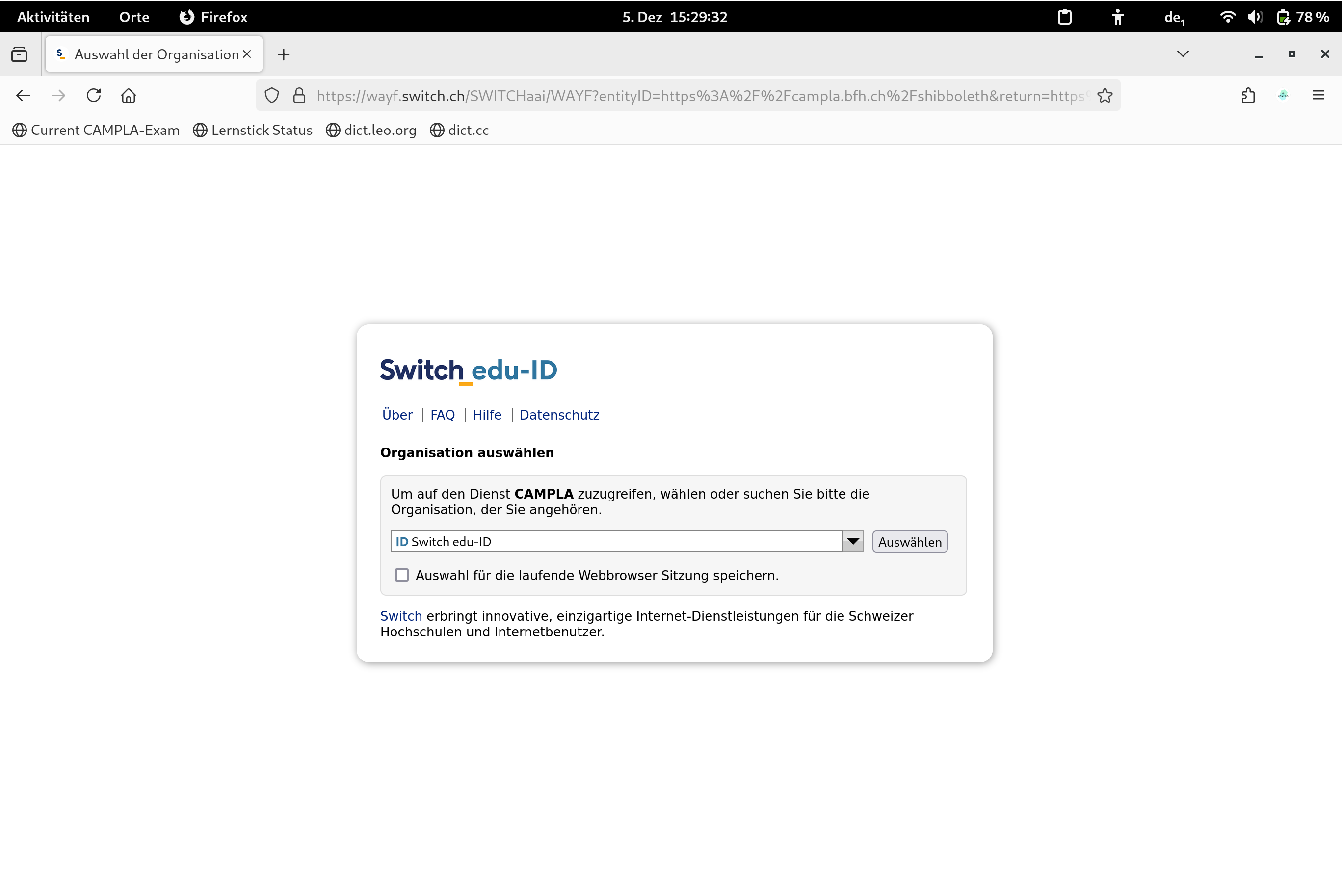
Dopo l'avvio sul desktop lei trova l'icona [CAMPLA](/campla.md). Questa icona le consente di accedere all'ambiente d'esame. L'immagine seguente le mostra l'aspetto dell'ambiente [CAMPLA](/campla.md):
{% hint style="danger" %}
Le chiediamo di seguire le istruzioni passo dopo passo in modo da verificare che tutto funzioni correttamente.
{% endhint %}